Cradlepoint Installation and Configuration in Alberta
Cradlepoint routers exist for the situation where a wired circuit is either unavailable or untrustworthy. They carry a cellular connection as a primary link at sites where nothing else reaches, or sit behind a fibre or cable circuit and take over automatically the moment it drops — usually before staff notice anything happened.
The hardware is capable, but the results depend almost entirely on installation. A router mounted in a metal cabinet with the stock paddle antennas will report a usable signal and deliver a fraction of the throughput available a metre away with a properly sited external antenna. Carrier and band selection, SIM configuration, failover thresholds and NetCloud policy all change how the link behaves under real conditions.
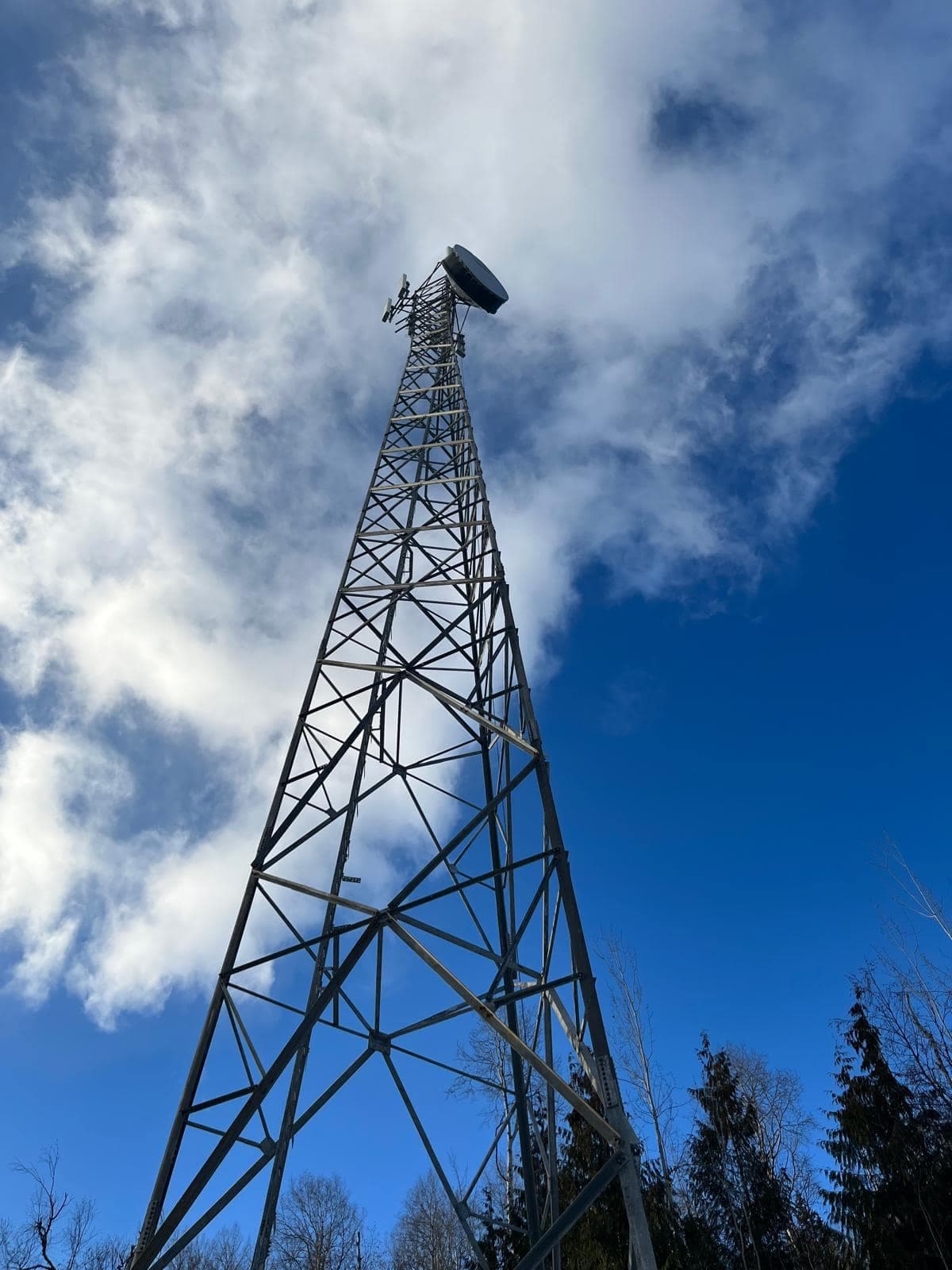
We install and configure Cradlepoint hardware for fixed business sites, remote and unmanned locations, and in-vehicle deployments across Alberta — including antenna siting and mounting, which is the part that most often separates a link that works from one that merely connects.
Who This Service Is For
The situations where this work is usually the right answer.
Businesses needing failover
Sites where point-of-sale, phones or cloud software must keep running through a provider outage rather than waiting for a repair truck.
Sites with no wired option
Locations where fibre and cable do not reach and cellular is the primary connection rather than the backup.
Remote and unmanned locations
Pump sites, yards, storage facilities and monitoring installations that need out-of-band access and remote management with nobody on site.
Vehicles and mobile operations
Service fleets, mobile command and work trucks needing a stable network on the move, with antennas mounted to survive it.
What the Installation Includes
Everything below is part of a standard engagement, not a list of chargeable extras.
- Coverage assessment measuring actual signal and available bands at the site
- Carrier and plan guidance based on measured performance, not coverage maps
- Router model selection matched to throughput, band and port requirements
- Rack, wall, DIN rail or in-vehicle mounting appropriate to the location
- External antenna selection — omnidirectional, directional or MIMO
- Antenna mounting and low-loss cable routing kept as short as practical
- SIM installation, APN configuration and dual-SIM failover where used
- WAN failover and failback thresholds tuned so links do not flap
- Integration with the existing firewall, switching and VLAN design
- NetCloud Manager enrolment, policy and alerting configuration
- Out-of-band management access for remote troubleshooting
- Documented failover test — the primary circuit is actually pulled and observed
Our Process
How a project runs from first contact to handover.
Signal survey
We measure signal quality and available bands at candidate antenna positions, since carrier coverage maps rarely predict what a specific wall or roofline will deliver.
Hardware and antenna specification
Router model, antenna type and mounting position are chosen from the survey results, along with the carrier and plan that measured best at your site.
Installation and antenna mounting
Router mounted and powered, antenna installed at the surveyed position, and coaxial routed and sealed with runs kept short to limit loss.
Configuration and integration
SIM and APN set up, failover thresholds tuned, and the router integrated into the existing network so segmentation and firewall policy still apply.
Failover testing and NetCloud
We disconnect the primary circuit and confirm the failover and failback behave as intended, then enrol the device in NetCloud with alerting.
Equipment We Support
- Cradlepoint E-Series branch routers
- Fixed-site routers for offices, retail and branch locations, combining cellular with wired WAN, switching and Wi-Fi in one managed unit.
- Cradlepoint R-Series ruggedised routers
- Compact, temperature-tolerant units for in-vehicle, industrial and unmanned deployments, with DC power input and vibration-tolerant mounting.
- Cradlepoint W-Series 5G adapters
- Wideband adapters that add 5G to an existing router or firewall, useful where the current gateway is staying in place.
- NetCloud Manager
- Cloud management for configuration, firmware, alerting and remote troubleshooting across every deployed device, which is what makes unmanned sites practical.
- External antennas
- Omnidirectional, directional Yagi and MIMO antennas in fixed, roof and vehicle mounts, selected against measured signal rather than fitted by default.
Where We Work
Cradlepoint installation and configuration across Edmonton and the surrounding region, and at remote, industrial and unmanned sites throughout Alberta where cellular is often the only practical connection.
See every area we serve across Alberta- Edmonton
- Sherwood Park
- St. Albert
- Spruce Grove
- Leduc
- Fort Saskatchewan
- Calgary
- Red Deer
- Grande Prairie
- Fort McMurray
Frequently Asked Questions
Common questions about cradlepoint installation in Edmonton and across Alberta.
Related Services
Work that commonly goes with this, and that we handle at the same time.
Peplink Installation
Peplink multi-WAN routers installed to combine cellular, Starlink and wired circuits into one connection that survives any single link failing.
Peplink InstallationCellular Antenna Installation
Directional, omnidirectional and MIMO antenna installations that turn a marginal cellular signal into a usable connection — measured, not guessed.
Cellular Antenna InstallationRemote Site Connectivity
Internet stood up where none exists — construction sites, camps, remote yards and unmanned installations, built to be deployed, moved and recovered.
Remote Site ConnectivityCommercial Network Installation
Designed and installed business networks: switching, routing, VLAN segmentation, firewalls, PoE and internet failover built to survive a working day.
Commercial Network Installation
Request a Quote
Tell us about the site and what you need. We will come back to you with a straight answer about what the work involves and what it costs.