Rural and Acreage Starlink Installation Across Alberta
Rural Alberta is where Starlink stops being one option among several and becomes the only realistic path to a usable connection. For a large share of acreages and farms in this province, fibre is not coming, cable never arrived, and fixed wireless depends on a line of sight to a tower that a stand of trees or a rise in the land removes.
Rural installations differ from urban ones in three ways that materially change the work. There is often no suitable building — the house may be single storey and surrounded by shelterbelt, so the dish goes on a pole or a mast rather than a roof. Distances are longer, so the cable run from dish to router frequently exceeds what comes in the box. And the property is not one building: a house with a working connection and a shop, barn or yard with none is only half a solution.
Exposure is the fourth factor. An open field offers no windbreak, so a mount that would be perfectly adequate in a sheltered city yard carries sustained loading it was never specified for. We install for that from the outset rather than returning to fix it after the first bad winter.
Our work
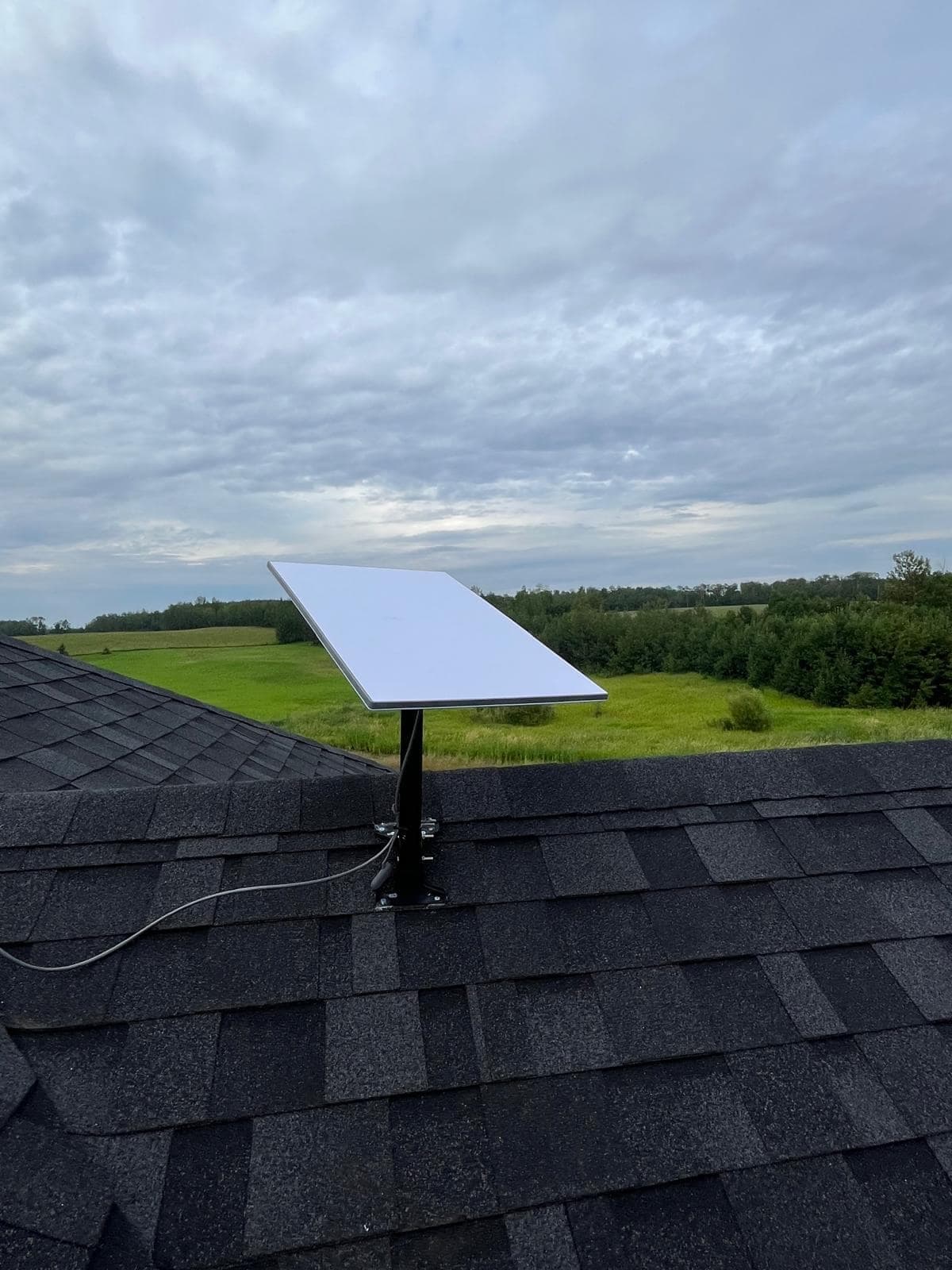
Photographs from our own installations, not stock images.
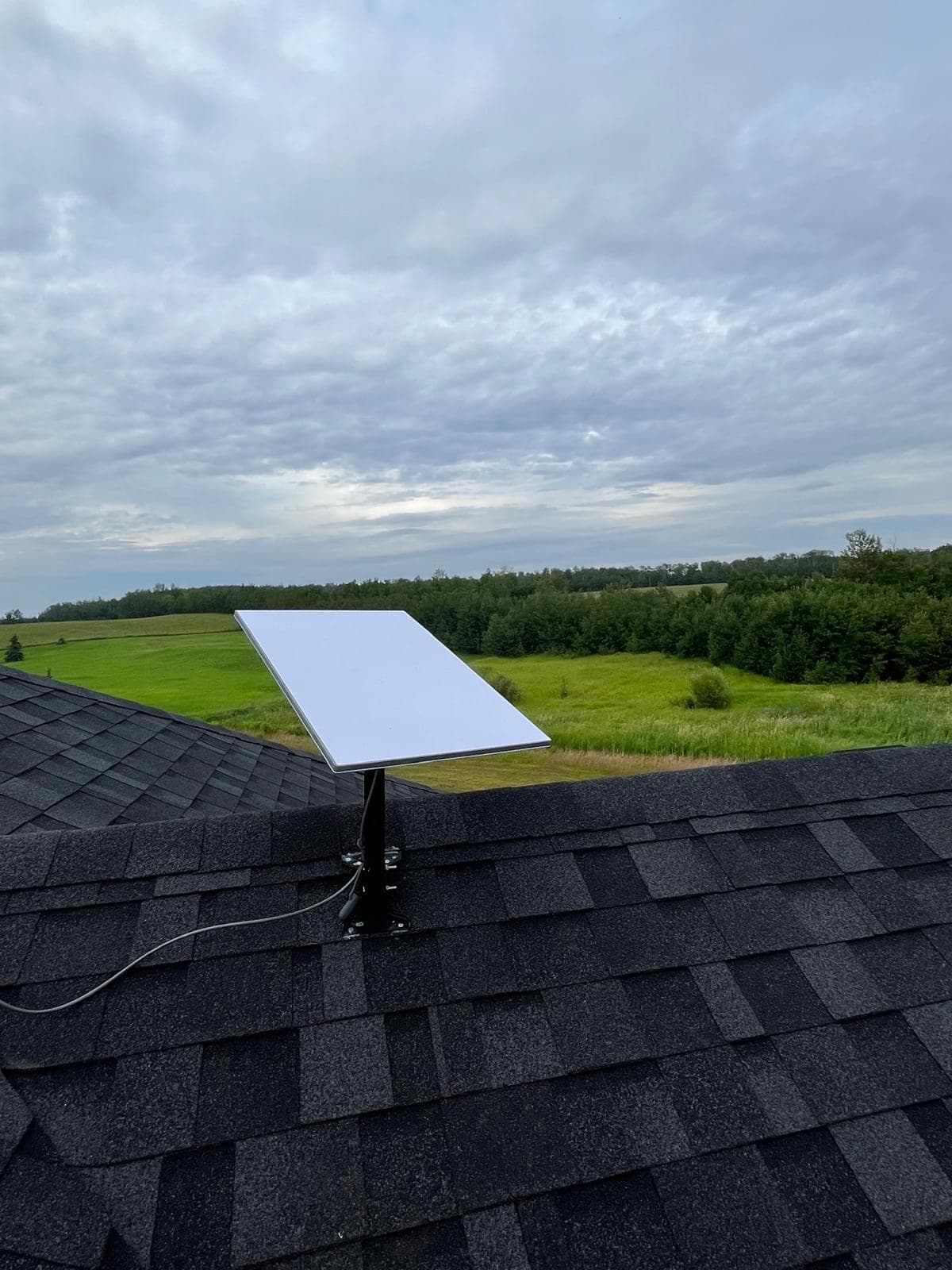
Ridge-mounted dish on an acreage property. The position was chosen to clear the treeline to the north rather than for the shortest cable run. 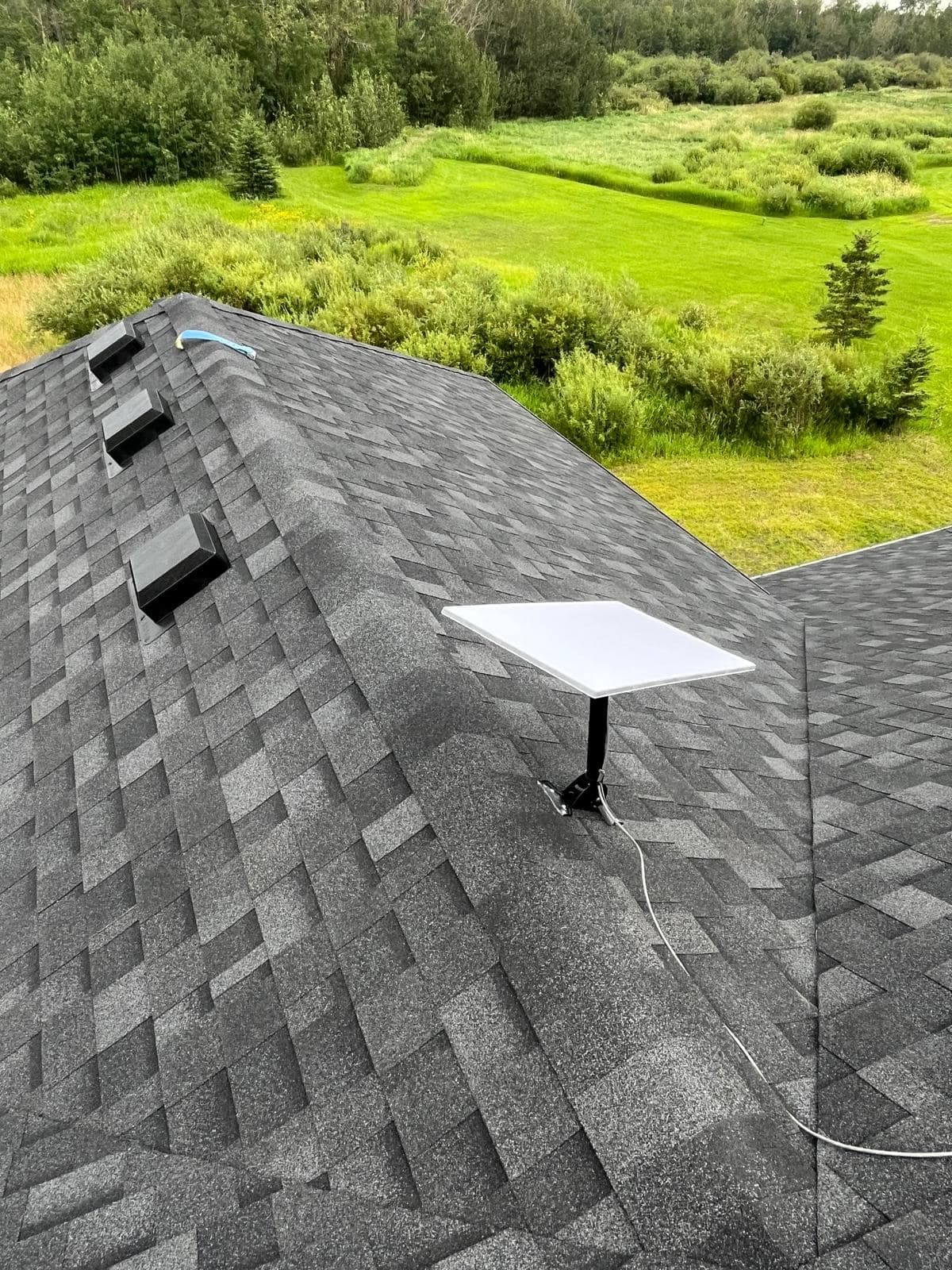
Residential installation on a rural property, with the cable run down the roof valley to a sealed entry point. 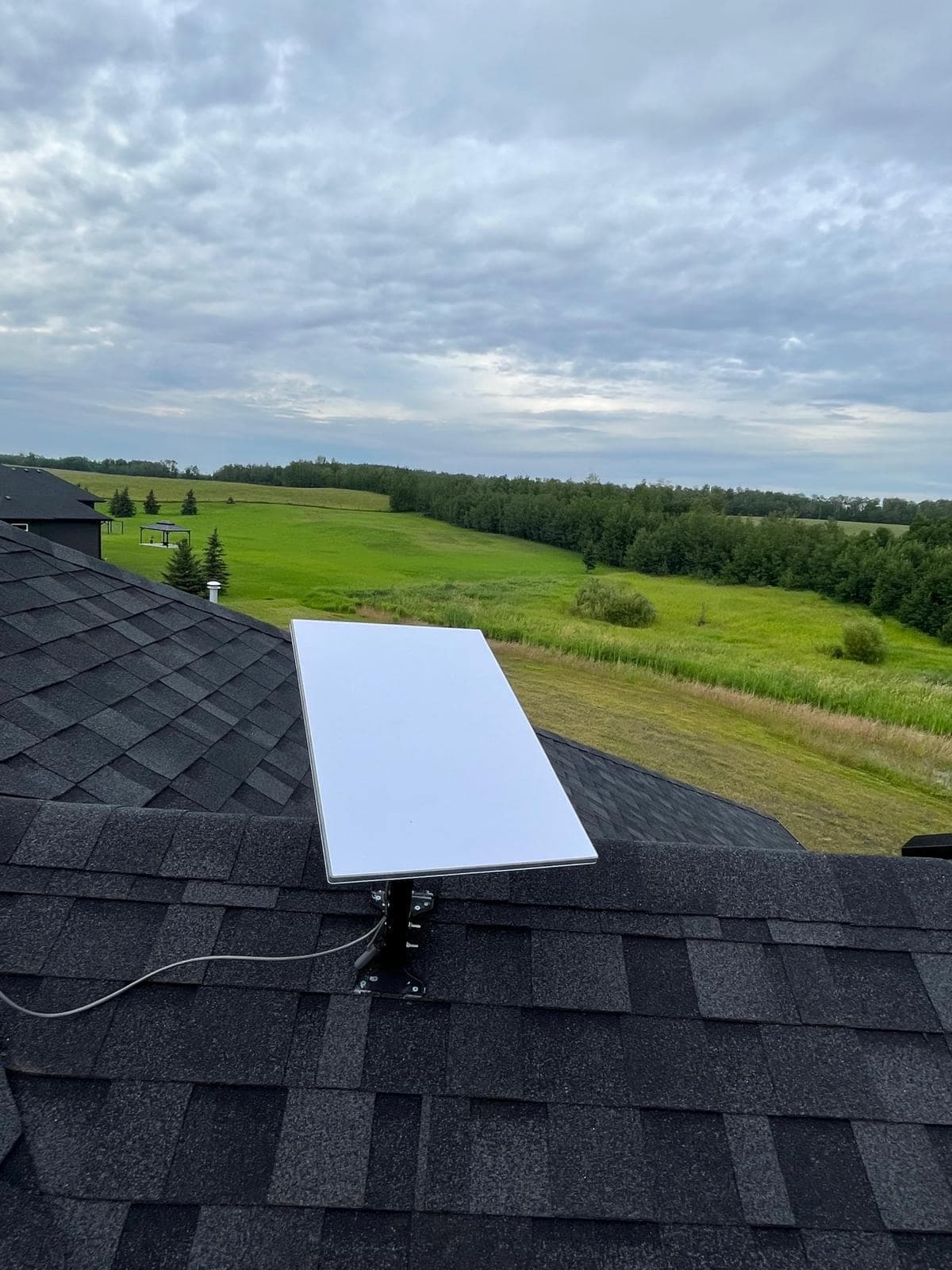
Completed acreage installation. Cable secured along the ridge line with UV-stable clips rather than left to sag.
Mounting on a property with no suitable roof
This is the defining rural problem. A bungalow surrounded by a mature shelterbelt has no roof position that clears the tree line, so the mount goes elsewhere — and gets engineered for the exposure it will actually see.
- Driven or concreted pole mount
- The rural default. A pole set in concrete or driven to depth, sited for both sightlines and prevailing wind, with the height driven by the shelterbelt rather than by the building. Bracing is specified for open-field loading, not for a sheltered yard.
- Shop, barn or outbuilding mount
- Often better than the house — taller, further from the shelterbelt, and frequently closer to where the network equipment should live anyway. Metal-clad buildings need clamp or seam-mount hardware rather than fasteners through the panel.
- Existing tower or mast
- Many rural properties already have a mast from a previous fixed-wireless or antenna installation. Where it is structurally sound it is often the cheapest good answer, and we will assess it honestly rather than selling you a new one.
- Non-penetrating ballast mount
- For flat-roofed shops and where no penetration is wanted. Ballast is sized for the wind exposure the site actually has, which on open prairie is considerably more than a suburban specification allows.
- Grain leg, bin or structure mounting
- Where farm infrastructure offers height that nothing else does. This needs care around structural attachment and safe access, and it is not appropriate on every structure — we will say when it is not.
Cabins, cottages and off-grid properties
A seasonal or off-grid property is a genuinely different job from a full-time rural home, and treating it like one leads to callouts later. The two things that change are power and occupancy: the site may run on solar, generator or a small battery bank rather than utility service, and it may sit empty for weeks at a time between visits.
Power budget comes first. The dish and router draw a continuous load, and the heater draws considerably more during an Alberta winter — on a solar or battery system that has to be sized in rather than discovered when the batteries do not last the weekend. Where the property is unattended through winter, we also plan for what the installation does on its own: whether it should shut down cleanly during long outages, and how the equipment survives being unheated and unmonitored for extended stretches.
Mounting is usually simpler than a full-time acreage — a cabin roof, wall or a short pole generally clears the sky without the elaborate obstruction problem a treed full-time property presents — but cable and equipment still need to be rated for a building that may freeze solid between visits.
Long cable runs on rural properties
The cable supplied with the kit is not long enough for many rural installations, and this is the constraint people discover after the dish is already mounted. A pole two hundred feet from the house, or a dish on a shop that has to feed equipment in the residence, needs a designed cable route rather than an improvised one.
There is a real limit here: Starlink cable is a proprietary run between dish and router and cannot simply be spliced or extended indefinitely. The correct approach is usually to keep that run within specification by placing the router near the dish — in the shop, or in a weatherproof enclosure — and then distribute the network from there over standard Ethernet or a point-to-point wireless link, which has no such constraint.
- Router positioned close to the dish, with the network distributed from there
- Direct-burial or conduit-protected Ethernet between buildings
- Point-to-point wireless links where trenching is impractical or the ground is frozen
- Weatherproof, temperature-rated enclosures for equipment in unheated buildings
- Surge protection at every building transition — a genuine risk on long buried runs
- Proper grounding and bonding on masts and long external cable runs
Covering the whole property, not just the house
A rural property is a set of buildings and a yard, and a connection that stops at the kitchen is only part of the job. Livestock cameras, shop computers, grain monitoring, security systems and simply having usable signal while working outside all need coverage the Starlink router will never provide on its own.
We extend it with outdoor-rated access points, buried cable to outbuildings, and directional links across the yard where distance rules cable out. The design starts from where you actually work rather than from where the dish happens to be.
- Outdoor-rated access points for yards, corrals and equipment areas
- Coverage into shops, barns and shelters, including metal-clad buildings
- Directional point-to-point links between separated buildings
- Camera and monitoring system connectivity on a separated network segment
- Guest or bunkhouse network kept isolated from farm operations
Where power and weather complicate things
Rural sites more often run on generator supply, solar, or a utility feed with meaningful voltage variation, and that is harder on equipment than weather is. Power conditioning and a correctly sized UPS protect the hardware and let the connection ride through a transfer event without rebooting.
Winter compounds it. The dish heater draws real power for months at a time, batteries lose capacity in deep cold, and equipment in an unheated shop needs to be rated for the temperature that building actually reaches rather than a nominal figure. Most rural failures we are called to fix are office-grade equipment installed somewhere it was never intended to survive.
How the work runs
Property assessment
We walk the property, check sightlines against the arc from several candidate positions, measure distances between buildings, and establish what power is available.
Mount and coverage plan
Mount type and position, cable and distribution routes, and where coverage actually needs to reach — house, shop, barn, yard — agreed before work starts.
Mounting and cable installation
Pole set or building mount fixed, dish installed and aligned, cable run and sealed, and any inter-building link installed and protected.
Network and coverage build
Router placed and configured, access points positioned for the areas you use, and segmentation applied where cameras or monitoring are involved.
Testing and walkthrough
Speed, latency, packet loss and obstruction map verified, then a coverage walk across the property so you can see it works where you need it.
Frequently Asked Questions
More on Starlink
The rest of the guide. Each page answers a different question.
Starlink Installation
The main guide — obstruction surveys, mounting, cable routing and network setup across Alberta.
Starlink installationEdmonton
Edmonton-specific Starlink installation: mature canopy obstruction surveys, snow-shed-aware mounting and sealed cable entry for our climate.
EdmontonCommercial & Business
Business-grade Starlink deployments integrated into a real network, with failover, documentation and support — not a residential dish on a commercial building.
Commercial & BusinessMounting Options
Roof, pole, wall, ground and non-penetrating mounts compared honestly — including which ones we would not recommend and why.
Mounting OptionsCable Routing
Routing the cable properly: attic, basement and conduit routes, sealed entry points and drip loops that keep water out of your wall.
Cable RoutingStarlink Wi-Fi Setup
The dish gets you the connection; it does not get you coverage. Bypass mode, access point layouts and mesh done properly.
Starlink Wi-Fi SetupTroubleshooting & Repair
Diagnosing why a working Starlink stopped working — obstruction, cable, power or Wi-Fi. The three have completely different fixes.
Troubleshooting & RepairInstallation Cost
An honest breakdown of what drives installation price, what the Alberta market looks like, and where cheap quotes get expensive.
Installation Cost
Services That Go With This
The work customers most often need alongside a Starlink installation.
Remote Site Connectivity
Internet stood up where none exists — construction sites, camps, remote yards and unmanned installations, built to be deployed, moved and recovered.
Remote Site ConnectivityWi-Fi Installation
Surveyed access point layouts that fix dead zones properly — for houses, offices, warehouses, metal shops and outdoor yards.
Wi-Fi InstallationCellular Antenna Installation
Directional, omnidirectional and MIMO antenna installations that turn a marginal cellular signal into a usable connection — measured, not guessed.
Cellular Antenna InstallationRural & Acreage Security Cameras
Camera systems built for rural response times — long cable runs, outbuilding coverage, and recording that keeps working without reliable internet.
Rural & Acreage Security Cameras
Request a Quote
Tell us about the site and what you need. We will come back to you with a straight answer about what the work involves and what it costs.