Should You Install Security Cameras Yourself or Hire a Professional?
Buying a camera is easy. Installing a system is a different job
A single Wi-Fi camera from a hardware store genuinely is a fifteen-minute job, and for a lot of people that is all they need. The gap opens up the moment you need more than one camera to actually work together — consistent coverage, footage that is still there weeks later, and a network that a compromised camera cannot use as a way into everything else.
That gap is where most of the calls we get start: someone bought three or four cameras, got each one working individually, and still cannot answer the one question a camera system exists to answer — what actually happened, at the resolution needed to identify it.
What a DIY setup usually gets right
It is worth being honest about this, since we would rather tell you not to pay us than sell you something you do not need. Consumer cameras are genuinely good hardware now, and self-installation works fine in specific, limited situations.
- A single camera at a front door or driveway with a clear Wi-Fi signal
- A property where one or two cameras cover the entire area of concern
- Cloud-only recording is an acceptable cost and an acceptable privacy trade-off
- Nobody needs footage correlated across cameras, doors or a till
Where DIY systems usually fall short
Past that simple case, the same handful of problems show up in almost every self-installed system we are called to fix, and none of them are about the cameras themselves being bad hardware.
Positioning is the first. A camera aimed for broad coverage rarely captures enough detail to identify a face or a plate, and the difference between a camera that helps and one that produces a legally useless video of a shape walking past is entirely about placement and lens choice — not about spending more on the camera.
Network exposure is the second, and the more serious one. Consumer cameras sit on the same Wi-Fi network as every laptop, phone and smart device in the building by default. Cameras are also among the least trustworthy devices on a network — weak default credentials, irregular firmware updates, and support that quietly ends after a few years. A compromised camera on a flat network is a way into everything else on it. On a properly segmented network, it is not.
Storage and retention are the third. Multiple cameras streaming continuously to the cloud consumes real upload bandwidth — the weaker direction on most home and rural connections — and it carries a monthly cost that scales with how many cameras and how long you keep footage. A lot of DIY systems only discover their actual retention period when they need footage from three weeks ago and it has already been overwritten.
Remote access is the fourth. Getting a self-installed NVR reachable from a phone away from home often gets solved with port forwarding — opening the recorder directly to the internet. It works, and it is also one of the more common ways an entire home network gets compromised. There are secure ways to get the same convenience; port forwarding to a recorder is not one of them.
The situations where a professional installation earns its cost
These are the cases where we would tell a friend to stop and call someone, not because DIY is impossible, but because the failure mode is expensive or the result quietly does not work.
- More than two or three cameras that need to work as one coherent system, not several separate apps
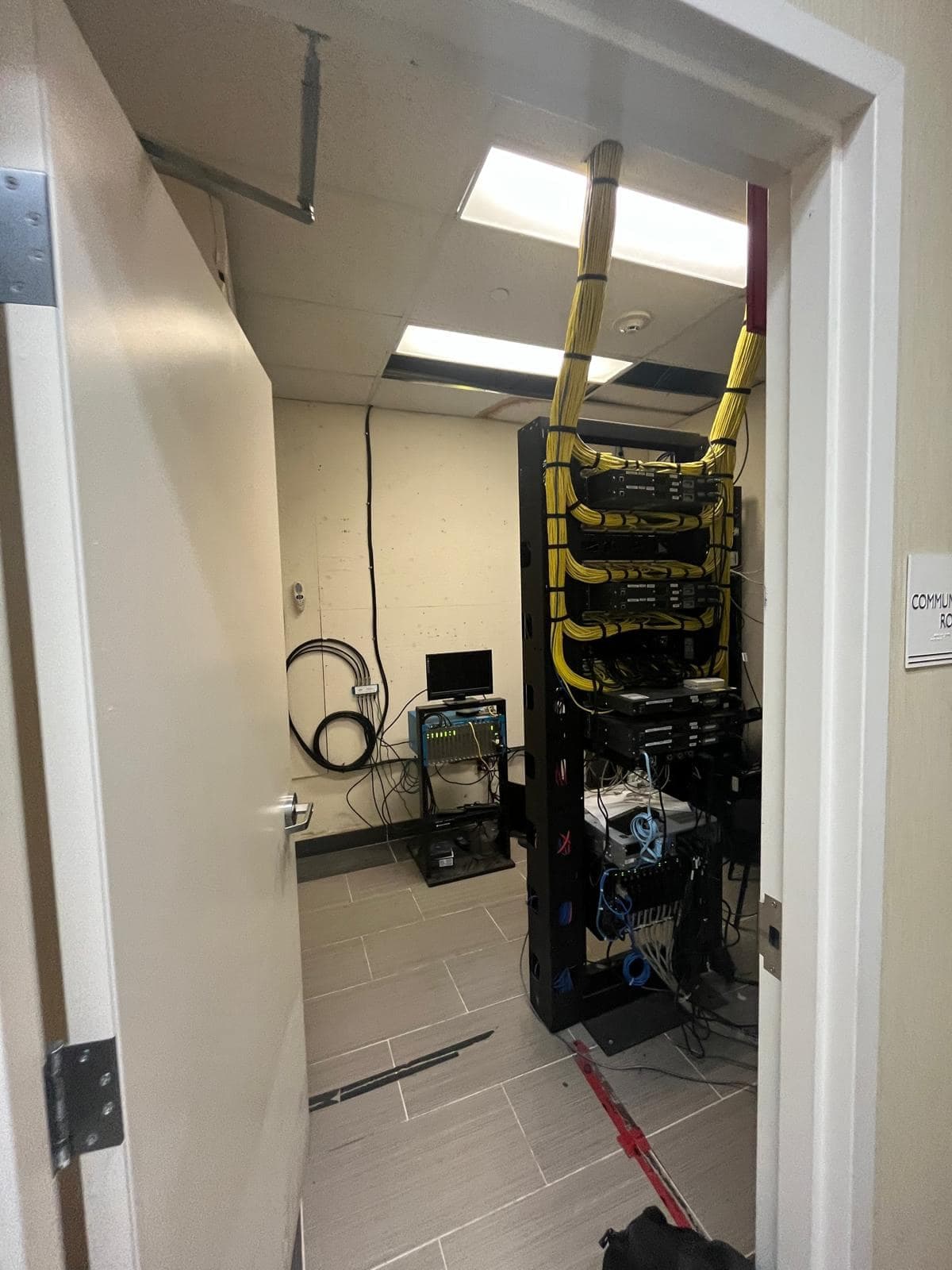
- Any position that needs proper cabling — through a wall, across a yard, or to a detached shop or barn
- A business context where footage may need to hold up for insurance, an HR matter or police
- Access control integrated with cameras, so a badge event and a clip line up on one timeline
- A rural or acreage property where cloud upload is not realistic and local recording has to be designed in
What we see go wrong with self-installed systems
Beyond the four structural issues above, the specific failures are fairly consistent. Cameras aimed into direct morning or evening sun that wash out to silhouette exactly when identification matters. Outdoor-rated claims that do not survive an actual Alberta winter, with condensation inside the housing by the first cold snap. A recorder tucked in the most convenient closet, which is also the first place anyone forcing entry will look for it. And retention set to whatever the default was, discovered only when it was not enough.
None of these are hardware problems. They are the kind of thing a proper site walk catches before anything is mounted, which is the actual value in hiring someone — not the mounting itself.
What a professional installation should actually include
If you do bring someone in, this is a reasonable standard to hold them to before you pay for it.
- A walk of the site to establish what specifically needs to be identified, not just covered
- Camera and lens selection matched to the distance and lighting each position actually has
- Cameras on their own isolated network segment, not the household or office Wi-Fi
- Storage sized to a retention period you actually chose, not a factory default
- Remote access configured without exposing the recorder directly to the internet
- Verification after dark, not just in daylight — most incidents and most disappointing footage both happen at night
The honest middle ground
As with Starlink, there is a sensible split a lot of people do not consider: handle the simple part yourself, and bring someone in for the part that actually determines whether the system works. Mounting a single visible deterrent camera at the front door is a reasonable weekend project. Wiring, positioning and network-segmenting a system meant to actually protect a property is a different scope entirely.
If that is roughly where you are — some cameras already up, footage that is not quite good enough, or a system you are not confident is secure — tell us exactly that. We would rather scope the part you actually need than sell you a system from scratch when half of it is already sitting on your wall working fine.