Should You Install Starlink Yourself or Hire an Installer?
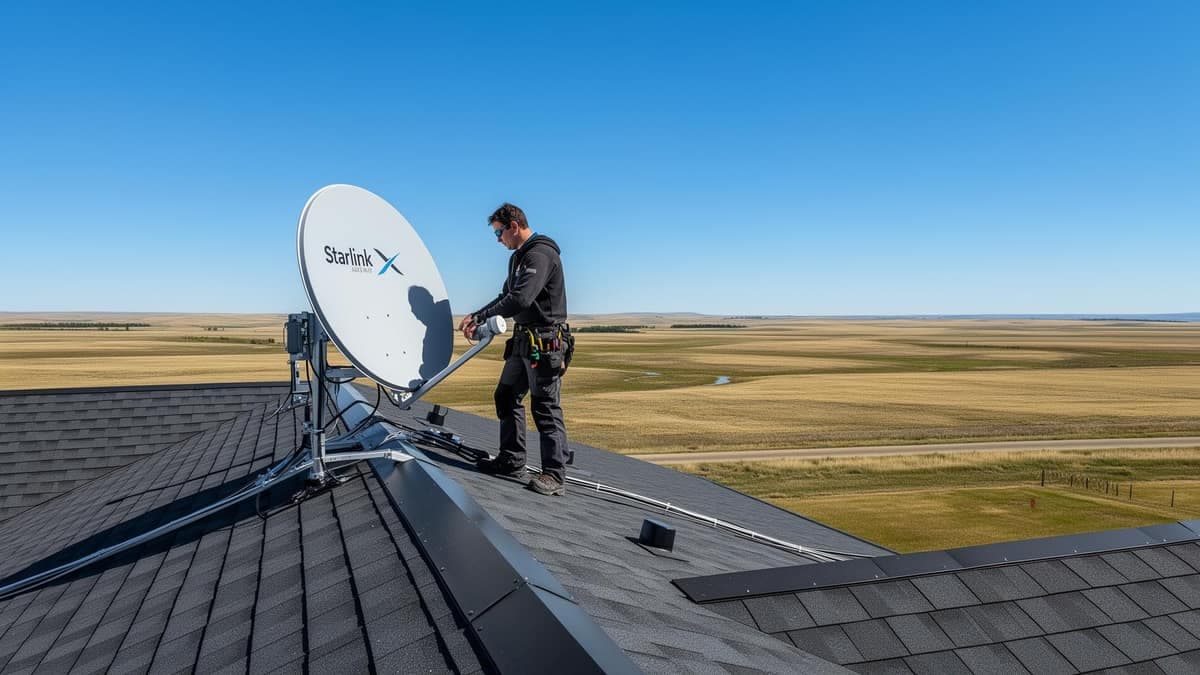
Starlink is designed to be self-installed, and often that works
It is worth saying plainly, from a company that charges for installation: a great many Starlink setups do not need a professional. The hardware is genuinely designed for self-installation, the app walks you through alignment, and if the conditions are straightforward you will have it working in an afternoon.
The conditions that make it straightforward are specific though. If any of them do not apply to your property, the calculation changes.
- The dish can sit at ground level or on a low, safely reachable surface
- There is a clear view of the sky in every direction, particularly north
- The cable can reach a router position through an existing opening
- The building is small enough for one router to cover
- You are comfortable checking the obstruction map and adjusting position
The four situations where it is worth paying someone
These are the cases where self-installation tends to produce either a disappointing result or an expensive one.
- Working at height — a two-storey or steep roof is where injuries happen, and no internet connection is worth a fall
- Passing the cable through the building envelope, where a badly sealed penetration lets water into a wall
- Obstructions that make the correct position non-obvious, particularly tree lines to the north
- An existing installation that keeps dropping and you cannot work out why
What actually goes wrong with self-installations
We get called to fix a fairly consistent set of problems, and it is useful to know them whether you hire anyone or not — because avoiding them yourself is entirely possible.
The most common is position chosen for convenience rather than from the obstruction map. The dish goes where the cable reaches easily, and two months later the connection is dropping during video calls while speed tests still look fine. Repositioning afterwards means new mounting, a new cable route and sealing the old hole — considerably more work than getting it right initially.
The second is the cable entry. Interior caulk, or no seal at all, or no drip loop, so meltwater tracks along the cable into the wall cavity. This is the expensive one, because the damage is to the building rather than the equipment, and it stays hidden until it does not.
The third is a mount fixed into sheathing rather than structure, which holds fine until the first serious ice load. And the fourth is not really an installation problem at all: the dish is installed perfectly and half the house still has no usable signal, because coverage was never part of the plan.
What a professional installation should actually include
If you do hire someone, this is a reasonable standard to hold them to. It is worth asking about these before booking, because a quote that is cheap by leaving them out is not actually cheaper.
- An obstruction survey against the full satellite arc before anything is drilled
- Agreement on mount type, dish position, cable route and router location before work starts
- Fixing into structural members, not sheathing or fascia alone
- Exterior-grade sealant, a drip loop and a grommet at the cable entry
- Grounding and a lightning arrestor on any mast installation
- Verification with speed, latency, packet loss and the obstruction map before they leave
- A conversation about Wi-Fi coverage, not just about the dish
The honest middle ground
There is a third option people forget: do the easy part yourself and hire out the hard part. Plenty of customers mount the dish at ground level themselves to get connected quickly, then bring us in later for the permanent roof or pole mount, the sealed cable route, and the Wi-Fi coverage work.
That is a perfectly sensible sequence, and it means you are not paying for a site visit to do something you could manage in an afternoon. If that is where you are, tell us — we would rather quote the part you actually need.